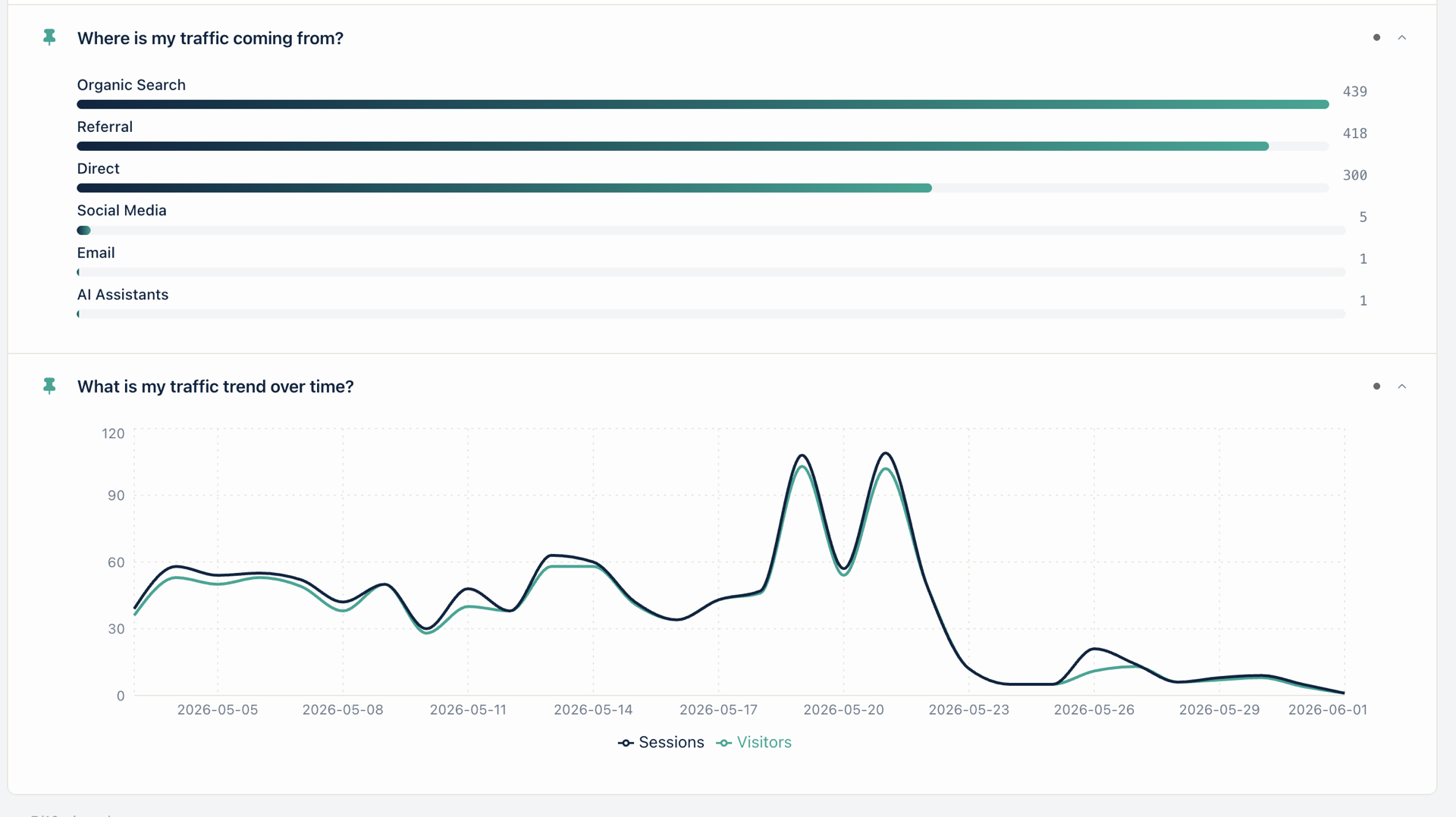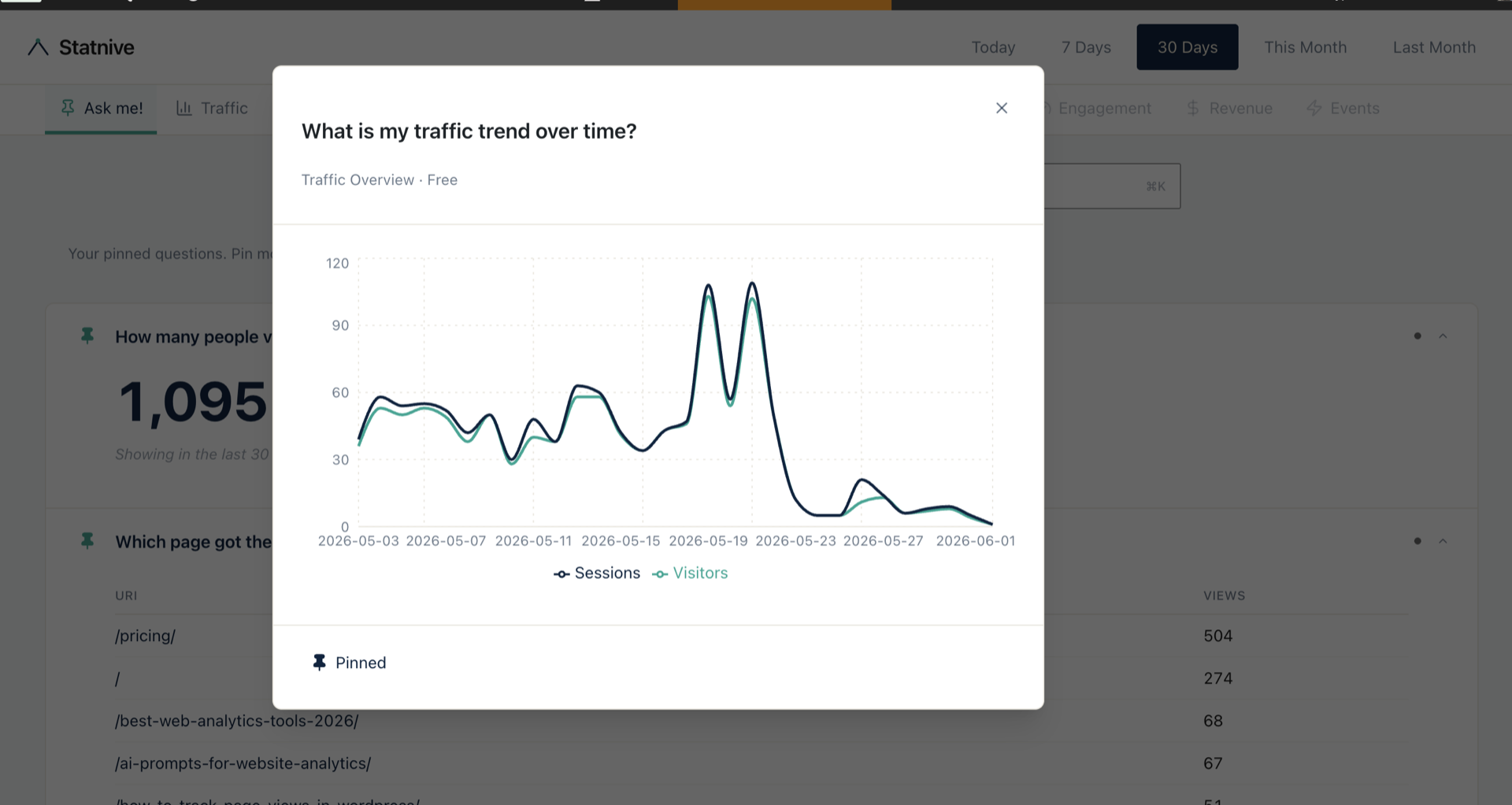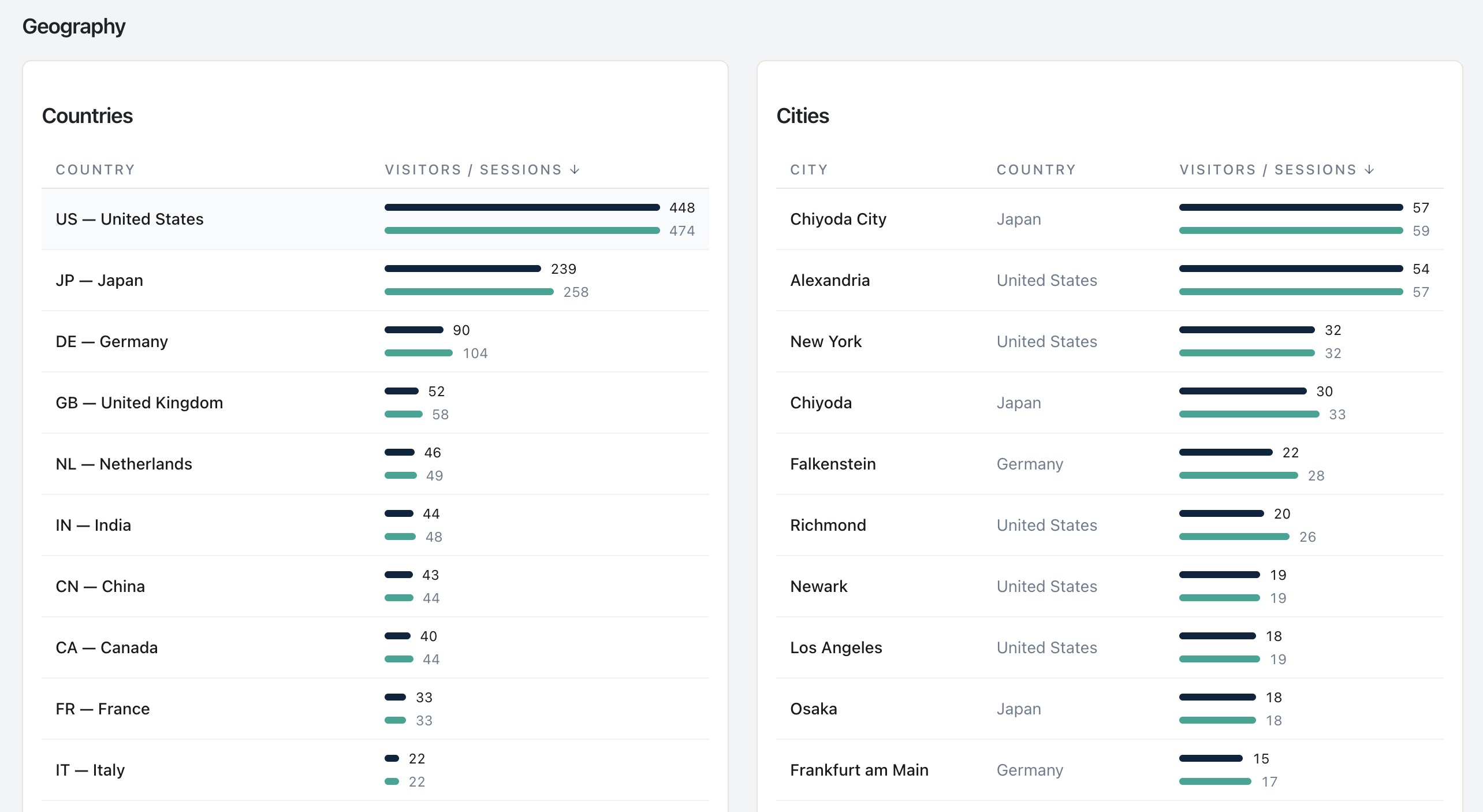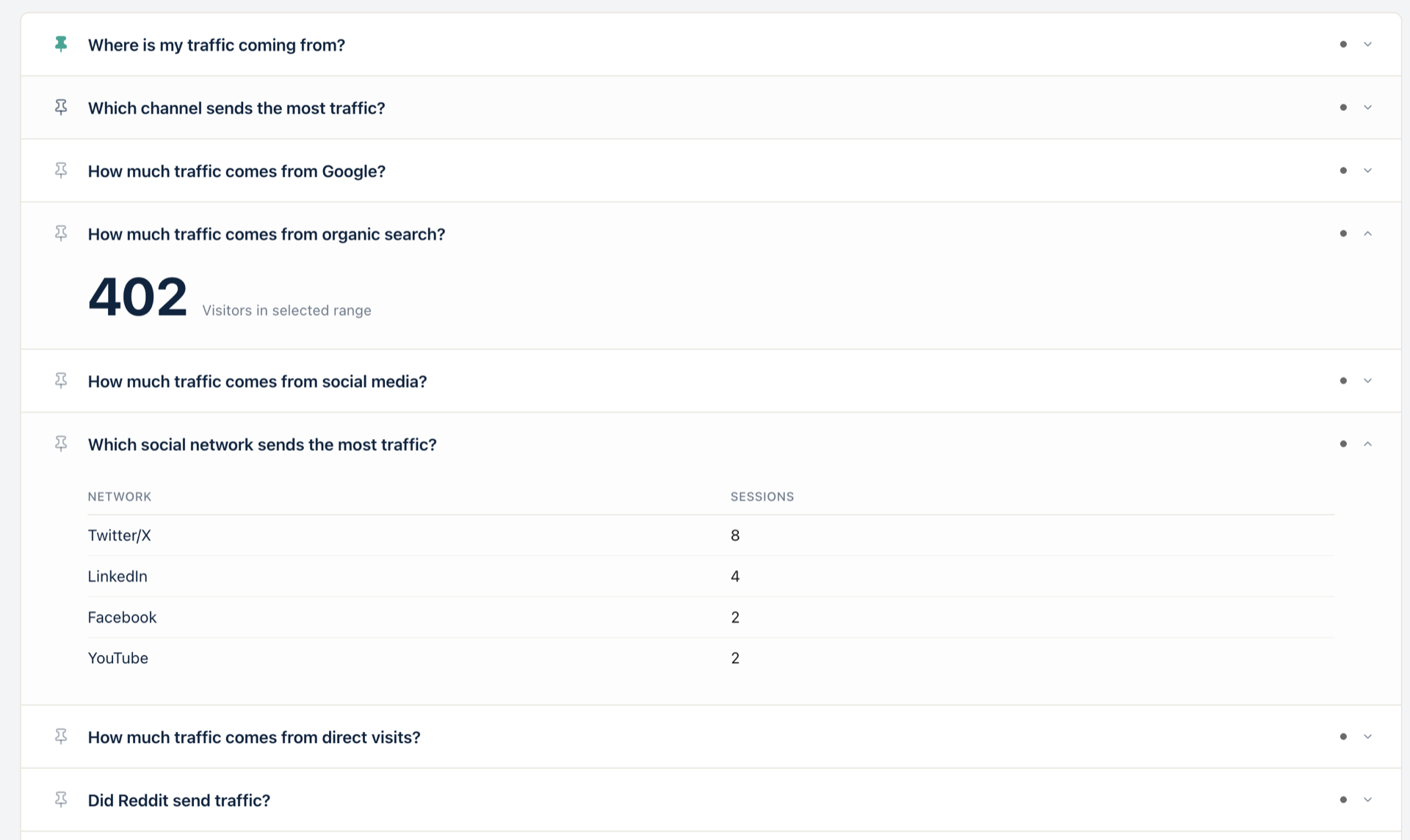
Where's your traffic actually coming from? Real channel breakdown without GA4
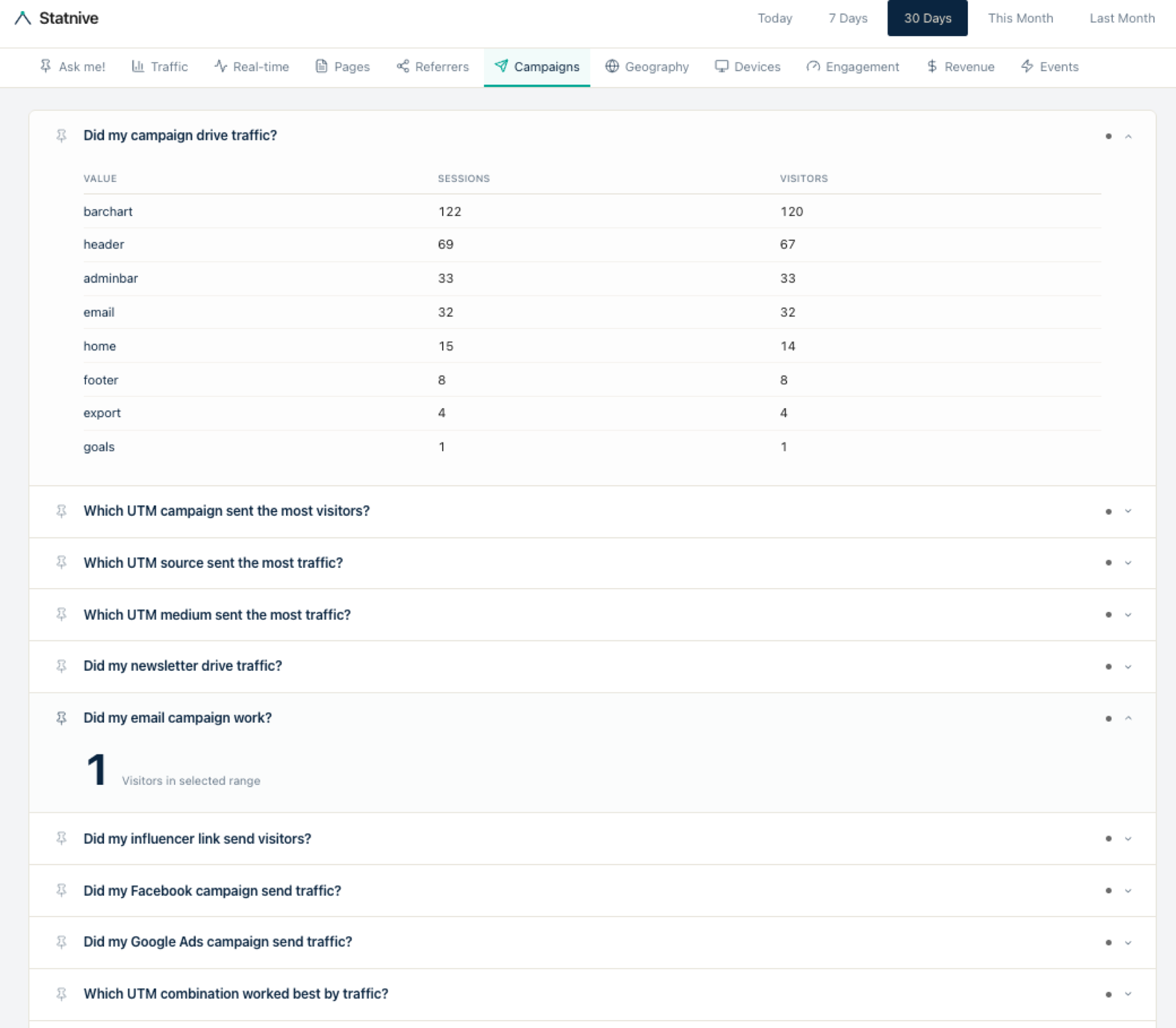
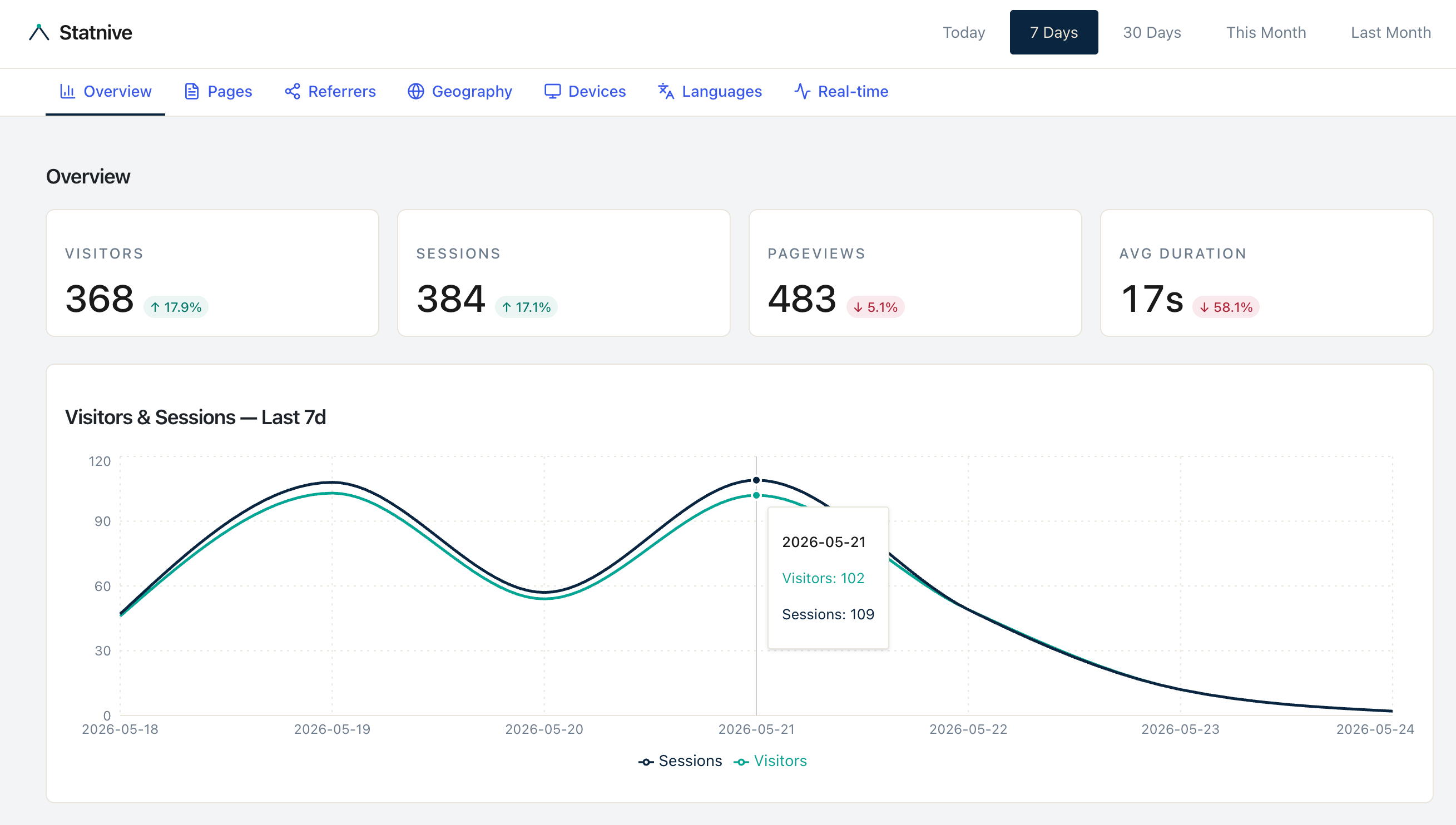
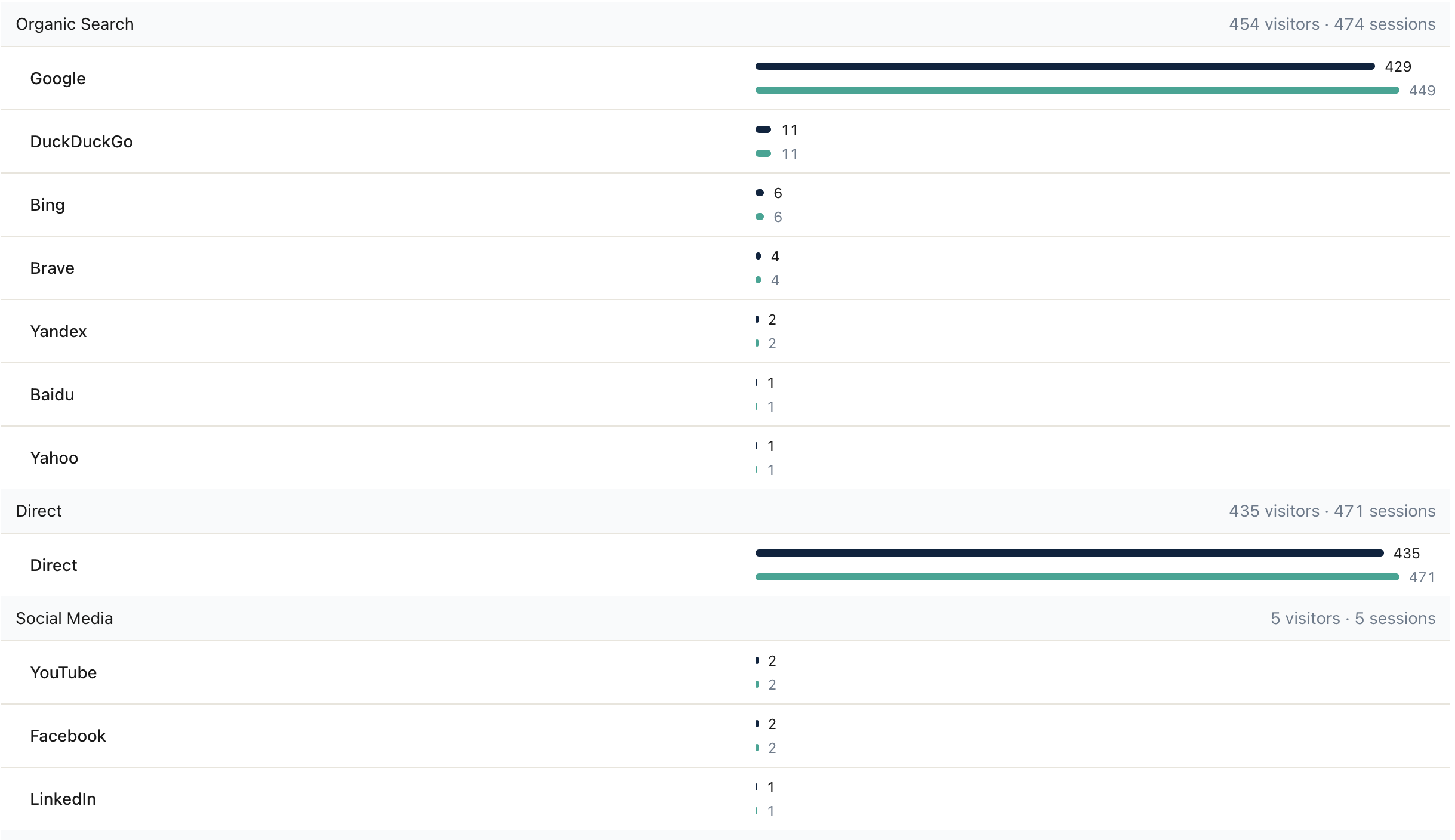
See where your WordPress traffic comes from — Organic Search, Direct, Social, Referral, Email — grouped automatically by Statnive Ask me!. No GA4, no cookie banner.
Tag
9 posts. Clear filter
See where your WordPress traffic comes from — Organic Search, Direct, Social, Referral, Email — grouped automatically by Statnive Ask me!. No GA4, no cookie banner.
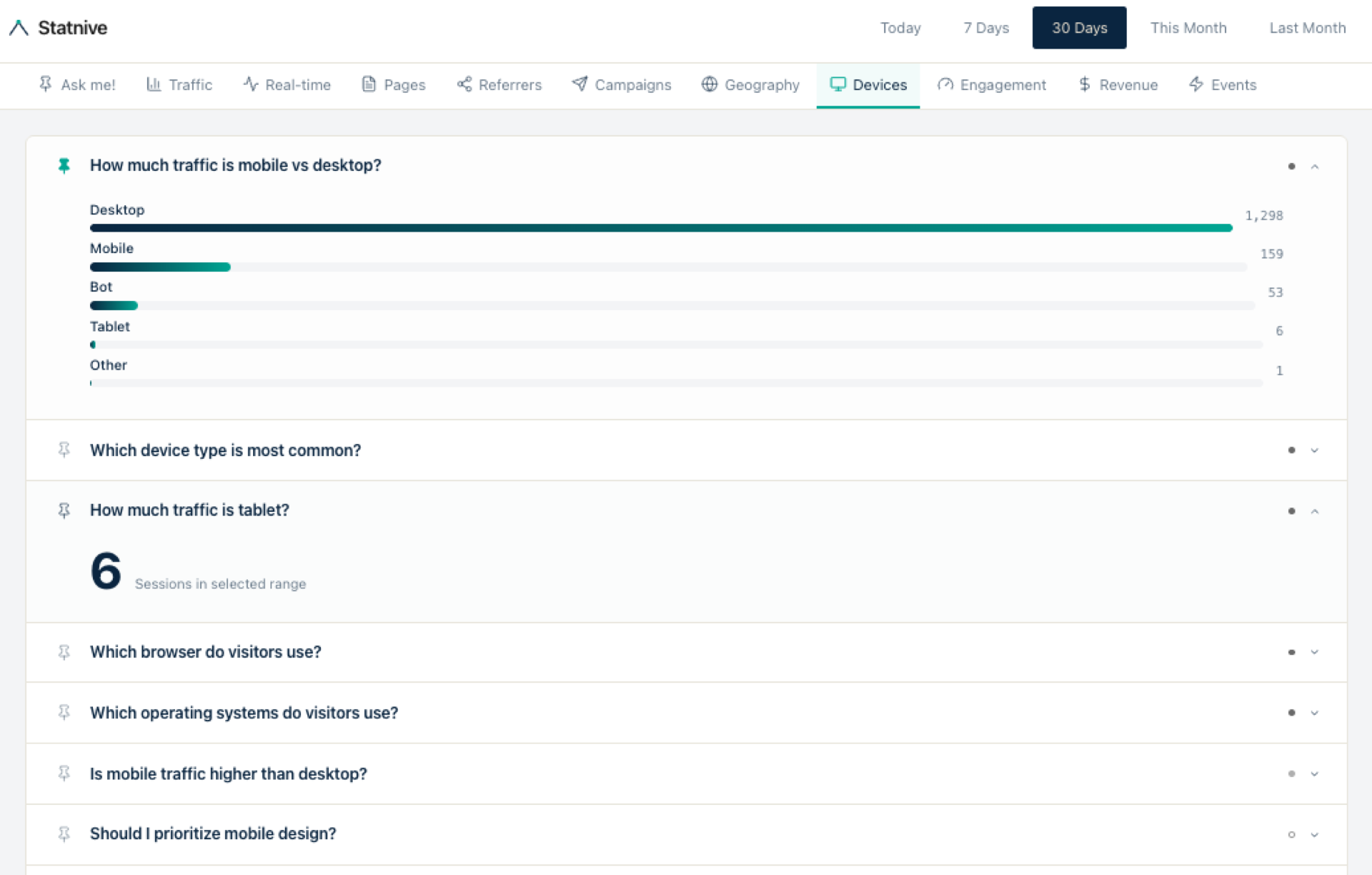
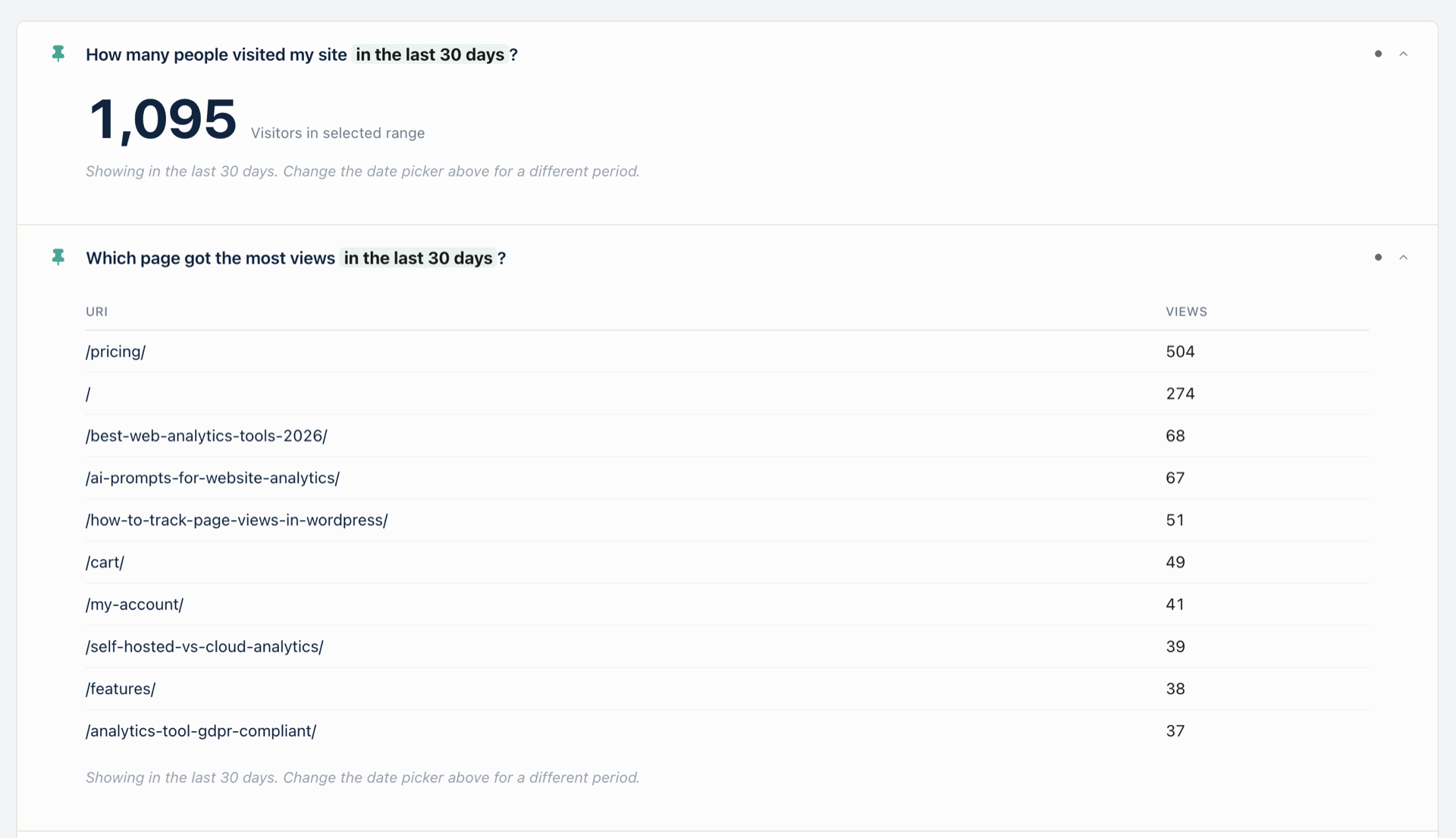
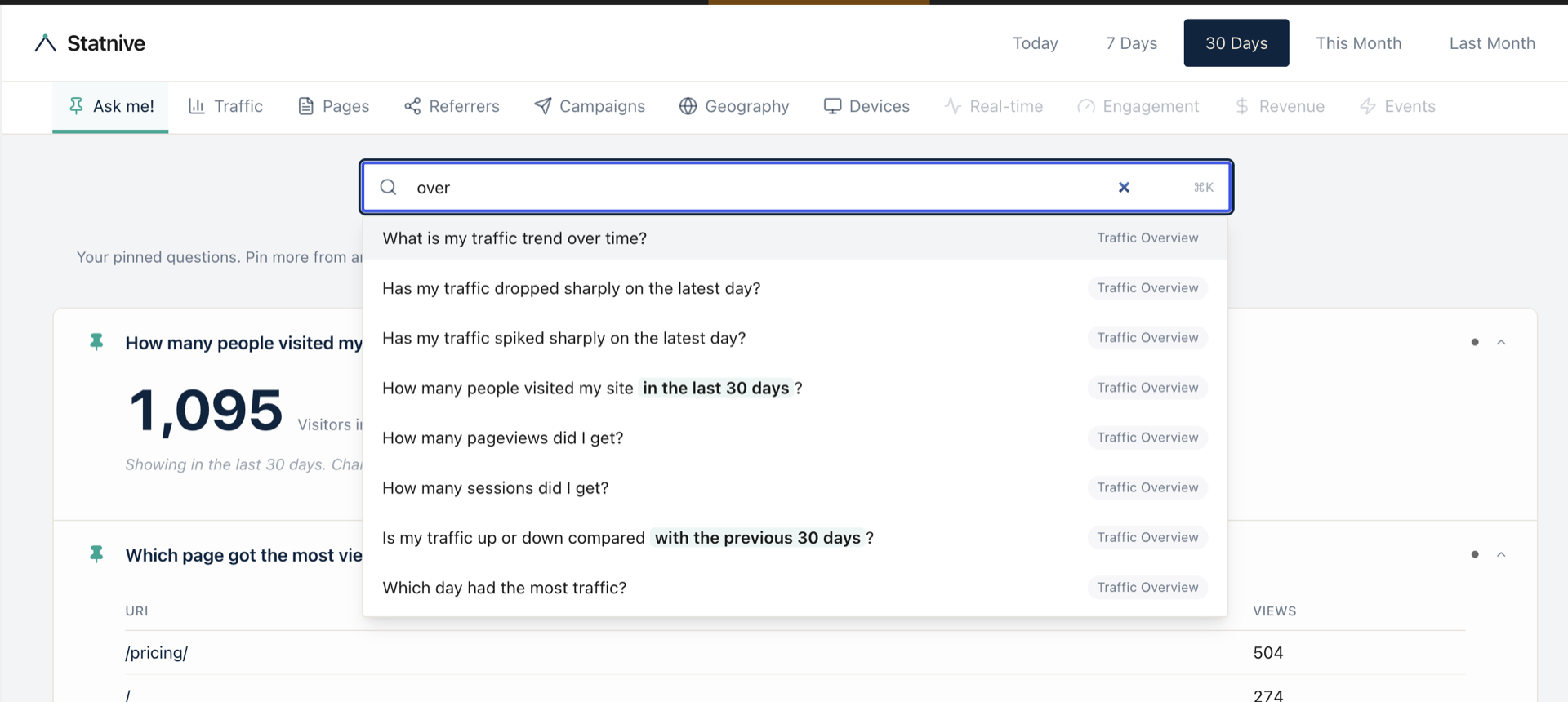
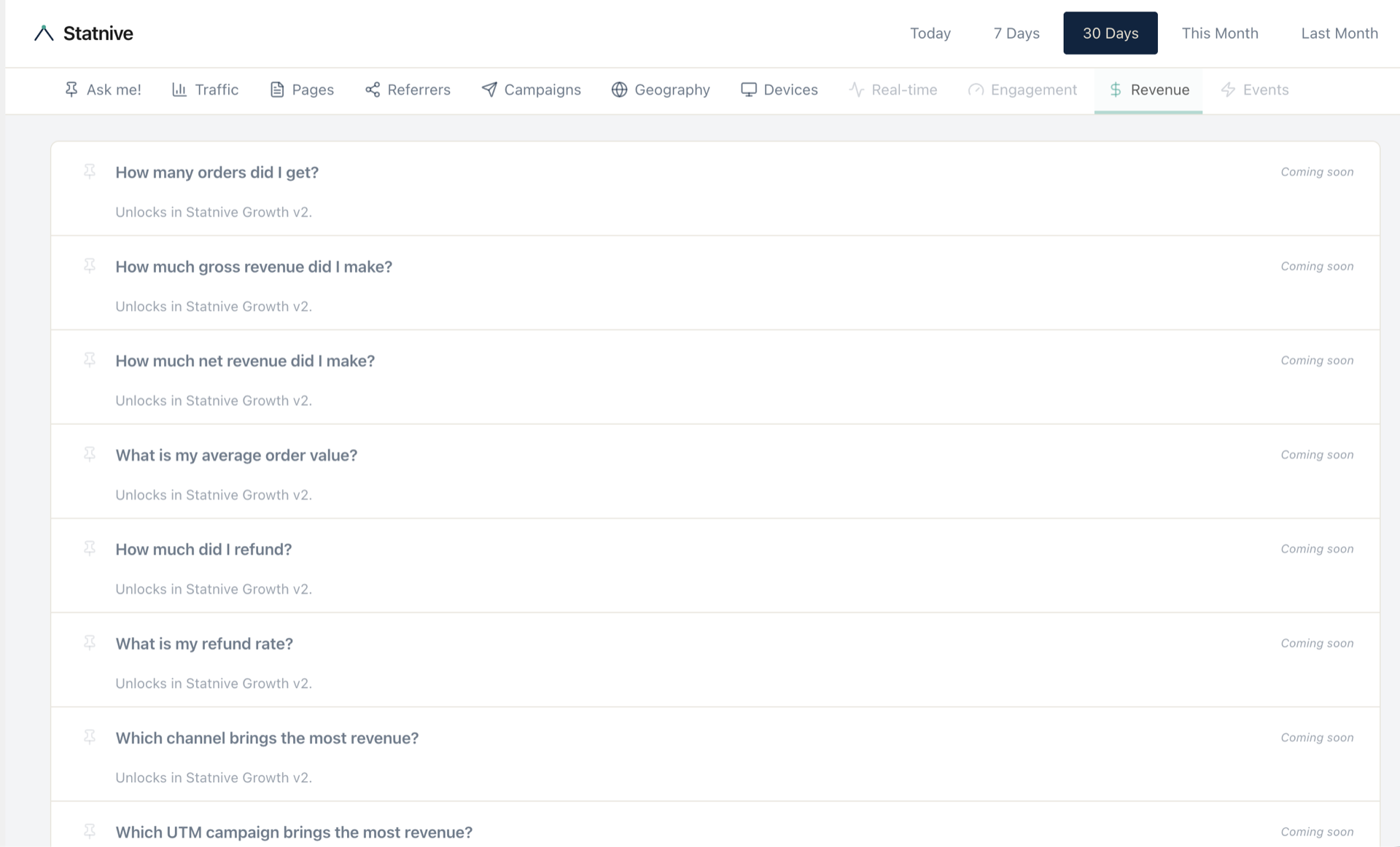
Statnive v1.1.0 ships Ask me!, a question library of 116 owner-voice prompts about your traffic, pages, channels, and revenue. No AI. No LLM. No third-party API. Free.
Statnive WordPress plugin vs Statnive Live: an evidence-based comparison of deployment, scale, ops, and pricing — and which one fits your site.
Most WordPress plugins run a linter and call it a day. Statnive passes through 5 layers of automated verification — from pre-commit hooks to WordPress.org compliance gates — before any release ships. Here is exactly what we check and why. (Numbers as of v0.4.9.)
Three architectural changes — async loading, inline core tracker, and idle callbacks — cut Statnive's benchmark LCP impact in half. Here is the engineering story and the honest caveats.
Analytics scripts add overhead to every page load. Here is how to check your plugin's impact, what the research says about why some plugins are faster, and how to measure on your own site.
We stress-tested 8 WordPress analytics plugins under concurrent load without page caching. Statnive had the lowest LCP overhead. Here is the methodology, the numbers, and the honest limitations.
Learn how to install and configure Statnive for your WordPress site in under a minute.
How Statnive automatically classifies your traffic into 8 readable channels.